Best Practices for Web User Interface Design in 2025
Best Practices for Web User Interface Design in 2025
Modern UI principles that drive speed, trust, and conversions in 2025.
Modern UI principles that drive speed, trust, and conversions in 2025.
Web UI design has gone through a massive evolution — and 2025 marks a new era where clarity, intelligence, accessibility, and fluid interactions define truly exceptional digital experiences. Users today move fast, expect personalization by default, and judge credibility within milliseconds.
For brands aiming to compete in this accelerated landscape, adopting modern UI design principles isn’t optional — it’s a core business driver.
In this comprehensive guide, we walk you through the best practices for web user interface design in 2025, equipping you with tactical insights, emerging trends, and proven frameworks to create digital experiences that inspire trust and drive conversions.

Today’s users expect interfaces that:
The bar is higher. If your interface feels even slightly confusing or slow, users abandon within seconds.
A highly refined UI leads to:
In a world full of choices, great UI becomes a growth engine.

The most effective UIs minimize cognitive load. Clean layouts, predictable patterns, and straightforward interactions help users achieve tasks quickly.
Typography scales, spacing guidelines, consistent interactions, and structured grids make experiences intuitive. Users trust interfaces that feel coherent.
Accessibility is not a compliance checkbox — it’s a business advantage.
2025 UI design puts emphasis on:
An inclusive interface widens your reach and enhances user trust.
Devices now include:
A responsive UI must adapt gracefully to every viewport.
Micro-interactions — the small animations and cues — help users understand what just happened. Examples include:
These create delight, improve usability, and reinforce brand personality.
User-centered design wins. Conduct:
This eliminates guesswork and ensures your interface solves real problems.
Mobile-first is no longer a trend — it’s a baseline.
In 2025:
Users reward simplicity with attention.
A scalable UI relies on:
This speeds up development, maintains consistency, and future-proofs your product.
Motion must guide, not overwhelm. In 2025, the focus is on:
Avoid decorative motion that hurts performance.
AI unlocks contextual UI:
However — always maintain brand integrity and user control.
Forms are the backbone of acquisition. Improve them with:
Every click should feel effortless.
Think of accessibility as a competitive advantage. Offer user-controlled settings like:
This fosters trust and loyalty.
Fast UI = successful UI. Ensure:
Each millisecond counts.
Flexible layouts built using:
…ensures your UI adapts to emerging screen formats.
Continuous improvement is the hallmark of modern digital brands. Monitor:
Then refine consistently.
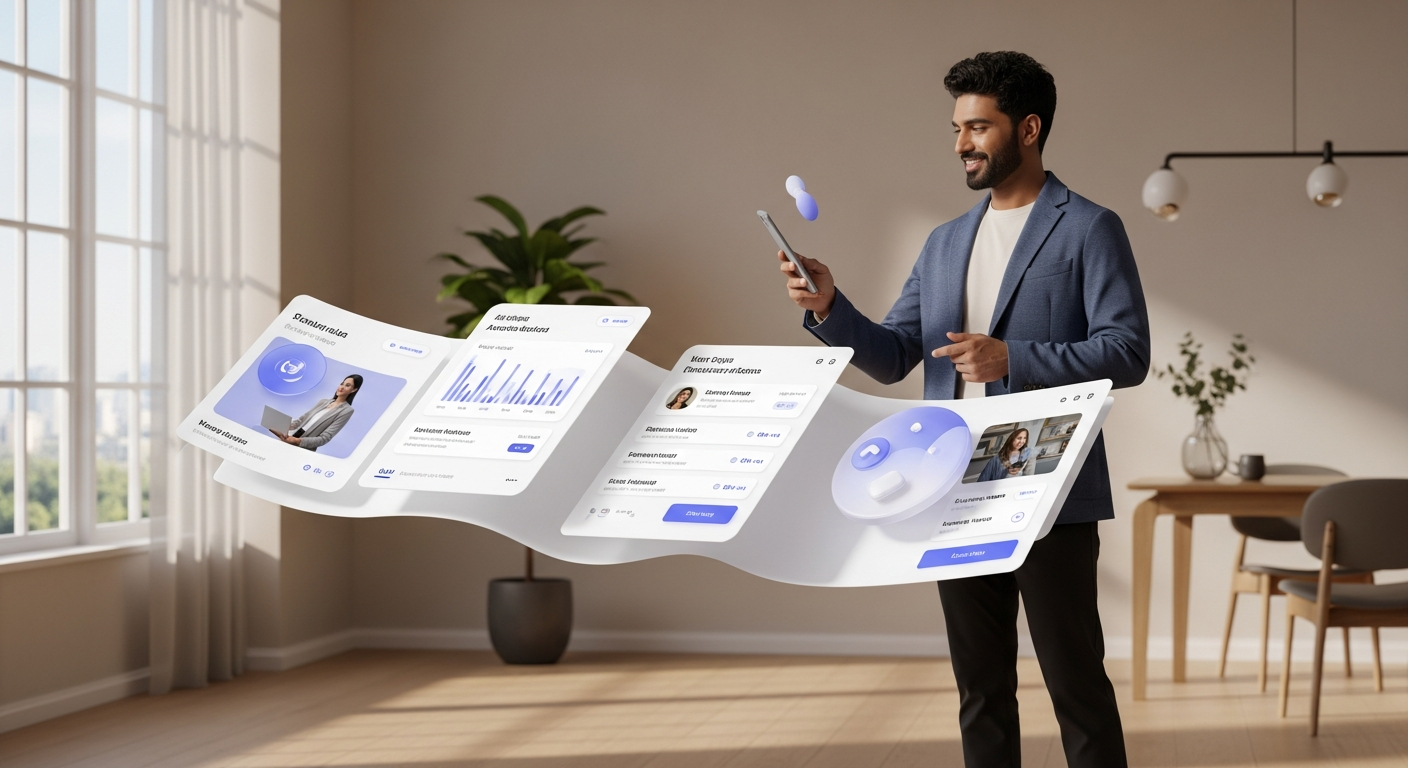
Soft 3D elements and depth layering enhance emotional connection.
Tools are now able to generate scalable UI variations that designers refine.
Brands blend content, visuals, and flows into dynamic, narrative-driven experiences.
Interfaces anticipate user intent before interaction occurs.
Avoid these to keep your experience polished and professional.

At Peacock India, we help brands create web interfaces that don’t just look polished — they perform, scale, and convert.
Our UI design process blends user research, accessibility standards, motion strategy, and modular design systems to deliver experiences built for 2025 and beyond.
If you're planning to revamp your digital presence, our team would be glad to support your transformation.
👉 Book a UI strategy session with Peacock India.
1. What makes UI design in 2025 different?
Greater emphasis on speed, personalization, accessibility, and motion-driven clarity.
2. Do I need a design system?
Yes — without a design system, consistency breaks and scalability suffers.
3. Is animation essential in modern UI?
Essential, yes — but only when it is purposeful, subtle, and performance-friendly.
4. How important is accessibility?
Crucial. Accessible design expands your audience, improves usability, and strengthens brand trust.
5. Should small businesses care about UI trends?
Absolutely — even small brands compete in the same digital environment as global companies.

Content creator
A passionate writer who loves diving into diverse subjects. Through engaging content, I aim to inspire and captivate readers.

Essential UI/UX Design Resources Every Beginner Needs to Get Started

Harish Goswami
Jul 24, 2023
10 min read

Essential Elements That Shape a Seamless Mobile User Experience
Harish Goswami
Nov 29, 2023
4 min read

Turning mobile experiences into business growth
Harish Goswami
Jan 03, 2026
4 min read

Mastering the Art of Early-Stage UX with Low-Fidelity Wireframes
Harish Goswami
Mar 28, 2025
5 min read
Accessibility in UX Design: Create Inclusive, Compliant, and User-Friendly Digital Products 2025 Guide
Harish Goswami
Apr 11, 2025
5 min read
Why Empathy-Driven Design Is the Key to Better Products, Experiences, and Business Outcomes
Harish Goswami
Apr 11, 2026
5 min read

Identify Problems Before Your Customers Do
Harish Goswami
Jul 25, 2026
5 min read

Unlocking Creativity with UX/UI Design for Seamless and Impactful Experiences
Harish Goswami
Jul 26, 2023
6 min read
Enhancing user engagement in mobile apps through effective UX/UI design
Harish Goswami
Jul 02, 2024
10 min read

The growth advantage of award-winning UI design in Chennai.
Harish Goswami
Nov 01, 2025
5 min read

Designing Intuitive UX/UI Experiences with the Simplicity of the Banana Rule
Harish Goswami
Aug 22, 2023
5 min read

Streamline design handoffs to reduce rework and build faster.
Harish Goswami
Jun 20, 2026
5 min read

Discover how muted colors enhance aesthetics, evoke emotions, and create a timeless appeal in design, branding, and UI/UX.
Harish Goswami
Mar 06, 2025
5 min read
Essential UX principles to enhance usability, accessibility, and user satisfaction.
Harish Goswami
Nov 26, 2023
5 min read

Understanding UX from First Principles
Harish Goswami
Jan 17, 2026
2 min read

Why strong brand identity drives trust, loyalty, and growth
Harish Goswami
Jan 10, 2026
5 min read



Build by Peacock India


AI platform for faster, accurate and compliant hospital documentation
Visit Patient Lens AI